COACHES ORIENTATION MEETINGS
These below are documents used or talked about in the different Academy, Rec and Competitive coaches’ orientation meetings:
- SECTION I – ROSTERS AND ASSIGNMENTS
- SECTION II – PRACTICES & GAMES
- Coaches’ Code of Ethics
- IYSA Poaching Policy
- Parents Meeting | REAL sc – real boise cf, real middleton cf, real meridian cf, real caldwell cf & real eagle cf
- Practice Schedule can be found here
- Game Schedules
- Weather Related Guideliness
- Portable Goals Safety (From IYSA Risk Assessment Policy)
- Goals Set Up
- Training Field Maps
- Laws of the Game (Game Length, Ball Size, Field sizes, etc) and developmental format
- IYSA Participation Rules (Registration Rules and Guidelines)
-
- ACADEMY & REC:
- COMPETITIVE:
- If you need to assess a new player, print these 3 forms.
- D3 League Rules & Procedures
- Club Pass (Club Guest Player) and Match Card
- Create your roster for a tournament
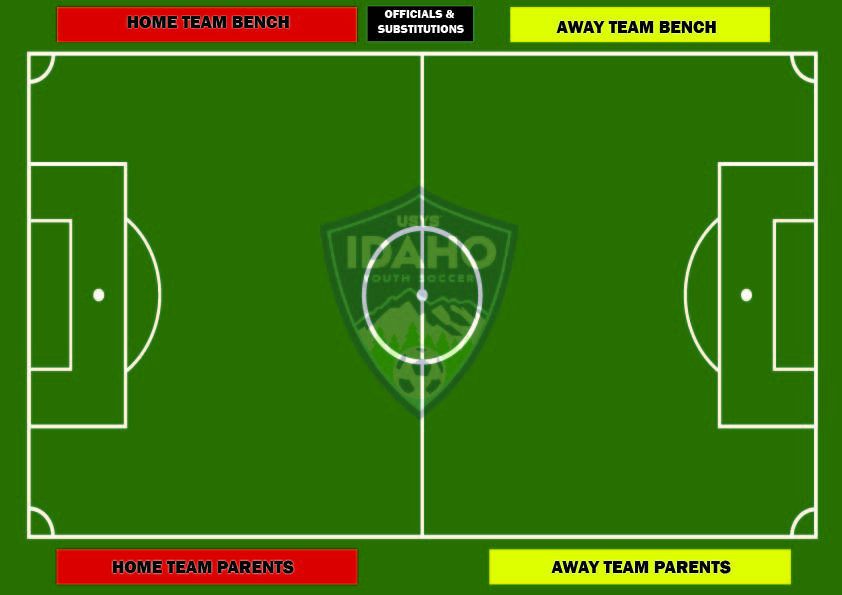
- Sideline Policy
- Game Reschedule Procedure
- Game Reschedule Fees
- Modified Laws of the game for 7v7 and 9v9
- How to set League Game Day Blackouts in GotSport
- Coaching Courses
- Referee No Show Form (report your score)
- SECTION III – ADMINISTRATIVE STUFF
-
- 1. REGISTER AS A COACH & COMPLETE REQUIREMENTS AS FOLLOWS:
Go to our club’s web site , click on the “registration” menu > then “COACHES” submenu > then select the “Academy/Rec Coaches’ Registration” submenu or the “Competitive Coaches” Registration” submenu as applicable. See steps 1, 2 and 3 below.

Then, once you have a gotsport account, complete your 3 coaches requirements:

-
- 2. ACCESS YOUR TEAM ROSTER AND EMAIL YOUR PARENTS: Go here.
-
- 3. PRINT YOUR PLAYERS’ MEDICAL RELEASE FORMS
Coaches would have to have this info with them at all practices and games or know how to access the info in their GotSport account. See how here!
Vamos Real!